Azure DevOps Integration
Secure Azure DevOps Services Repositories With ZeroPath
Connect Azure DevOps Services with Microsoft Entra OAuth or a PAT fallback, import repositories, run full scans, scan pull requests, post status checks and comments, and create patch pull requests from the same workflows your developers already use.


Setup
Connect Azure DevOps Services
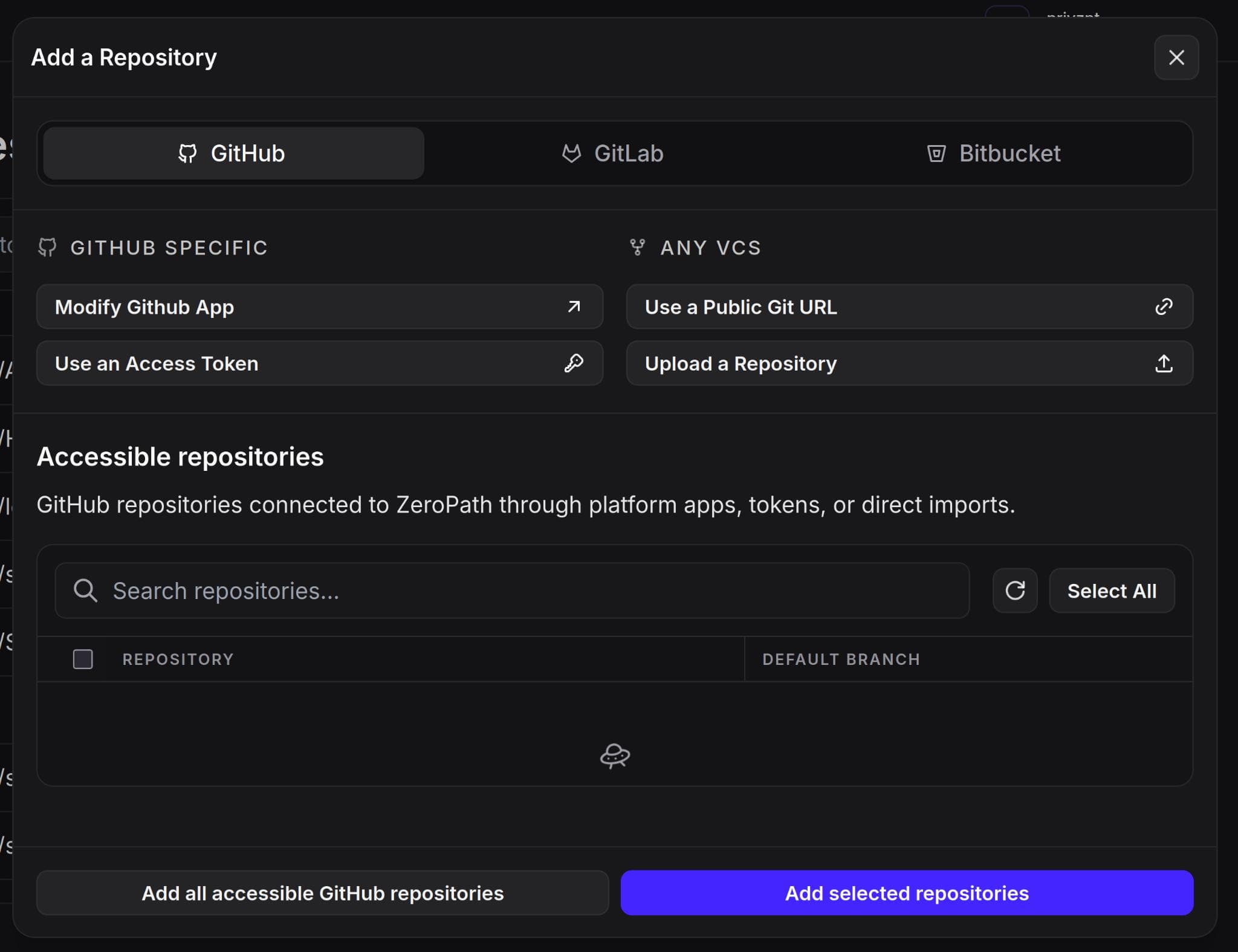
ZeroPath connects to Azure DevOps Services organizations through Microsoft Entra OAuth, with a personal access token fallback for teams that need a staged rollout.
- Connect a cloud Azure DevOps organization to a ZeroPath tenant
- Use OAuth as the recommended setup path or PATs as an explicit fallback
- Import individual repositories, selected batches, or every accessible repository
Scanning
Scan Repositories And Pull Requests
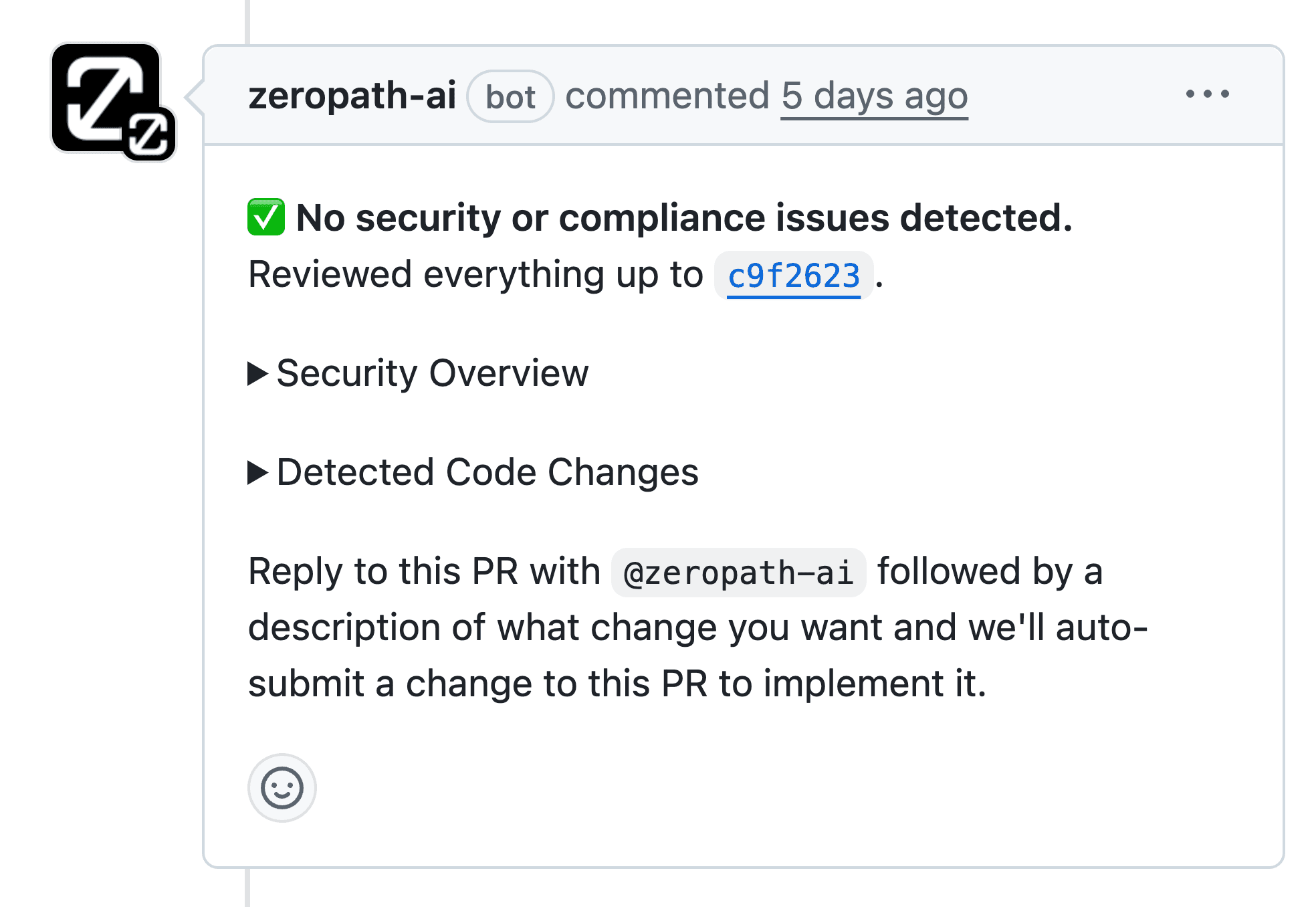
Azure Repos receive the same ZeroPath analysis as other supported VCS providers, including full repository scans and pull request scans from service-hook events.
- Run full scans across imported Azure DevOps repositories
- Start PR scans from pull request created and updated events
- Post status checks and PR comments back to Azure DevOps
Remediation
Create Patch Pull Requests
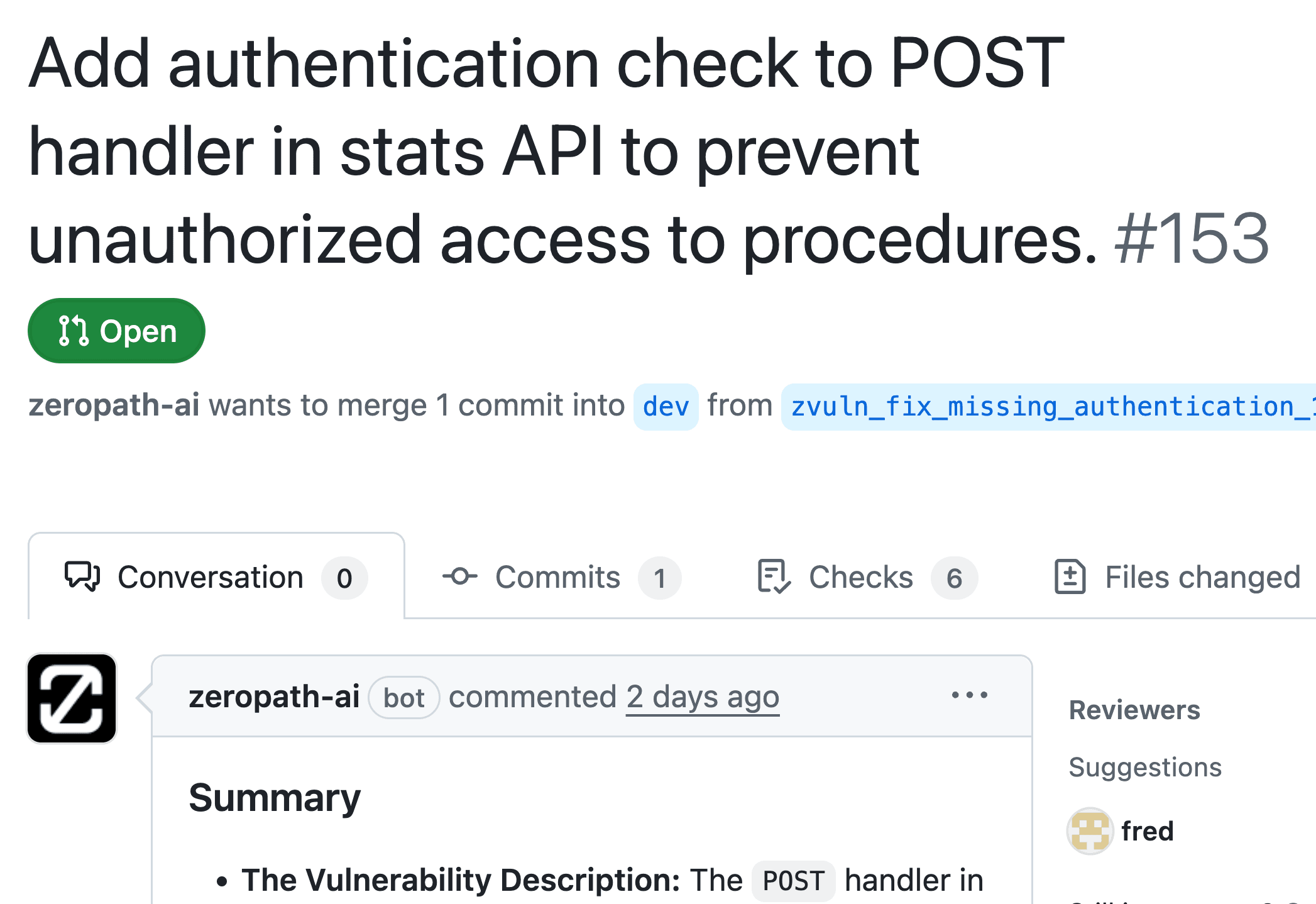
When ZeroPath validates a vulnerability, the patch workflow can create Azure DevOps pull requests using the same branch, title, description, and commit-message conventions as other supported VCS providers.
- Generate patch branches for validated vulnerabilities
- Open Azure DevOps pull requests targeting the original branch
- Keep review context in status checks, summary comments, and inline PR threads
Scope
Cloud Support Scope
The current integration is scoped to Azure DevOps Services cloud. Azure DevOps Server uses different authentication and deployment patterns and is not included in this v1 support path.
- Designed for dev.azure.com organizations and Azure Repos Git repositories
- Project-level service hooks keep repository discovery and PR scanning current
- Azure DevOps Server can be planned separately after cloud support stabilizes


